From a saved image
Save as you browse
Click an image to add it to your current board.
Save the things that catch your eye as you browse. Gather keeps your references together, ready to shape into a mood board and bring into Figma.
Collect in your browser. Bring your boards into Figma.
Install both to get the full flow. See setup steps ↓
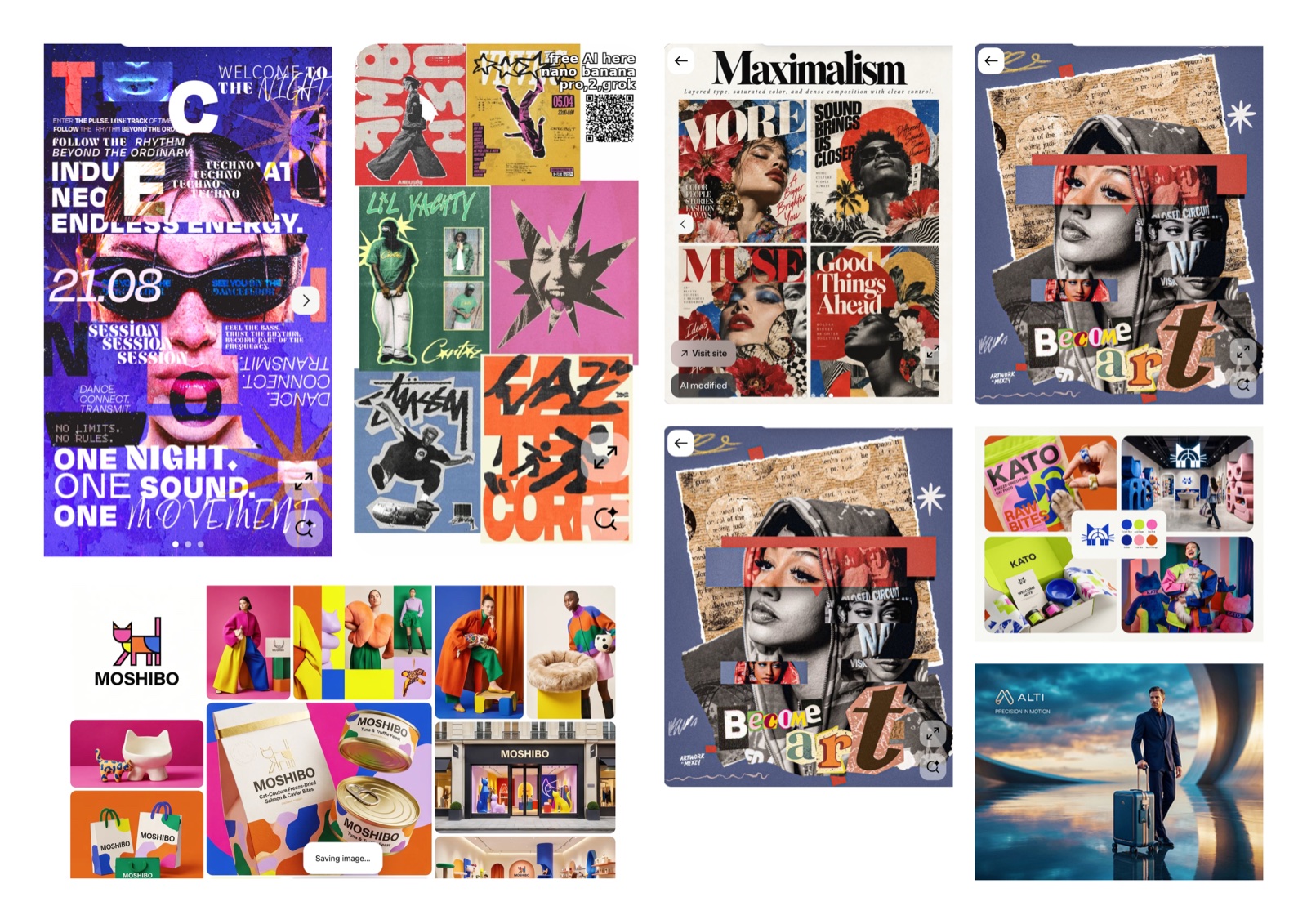


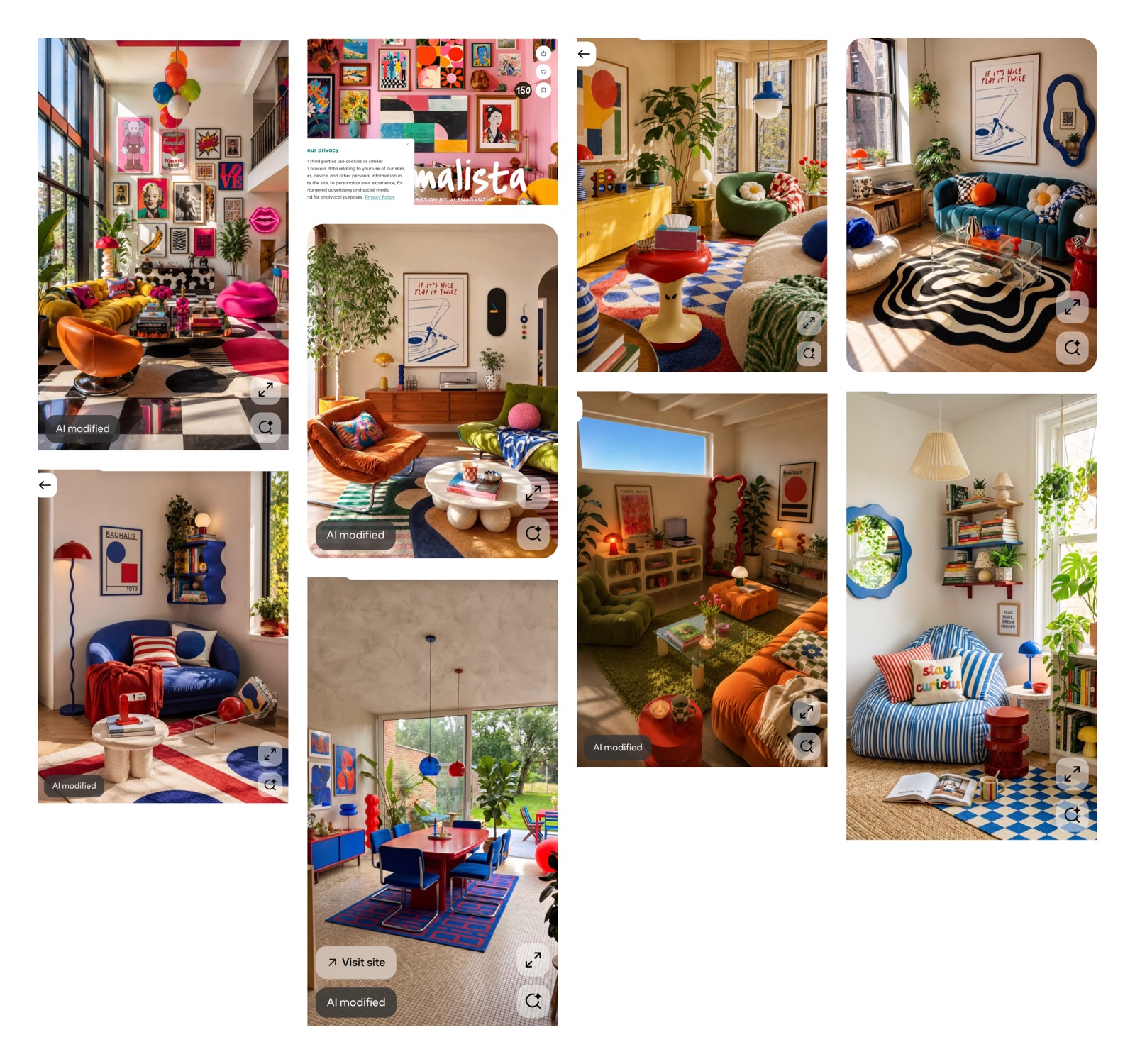
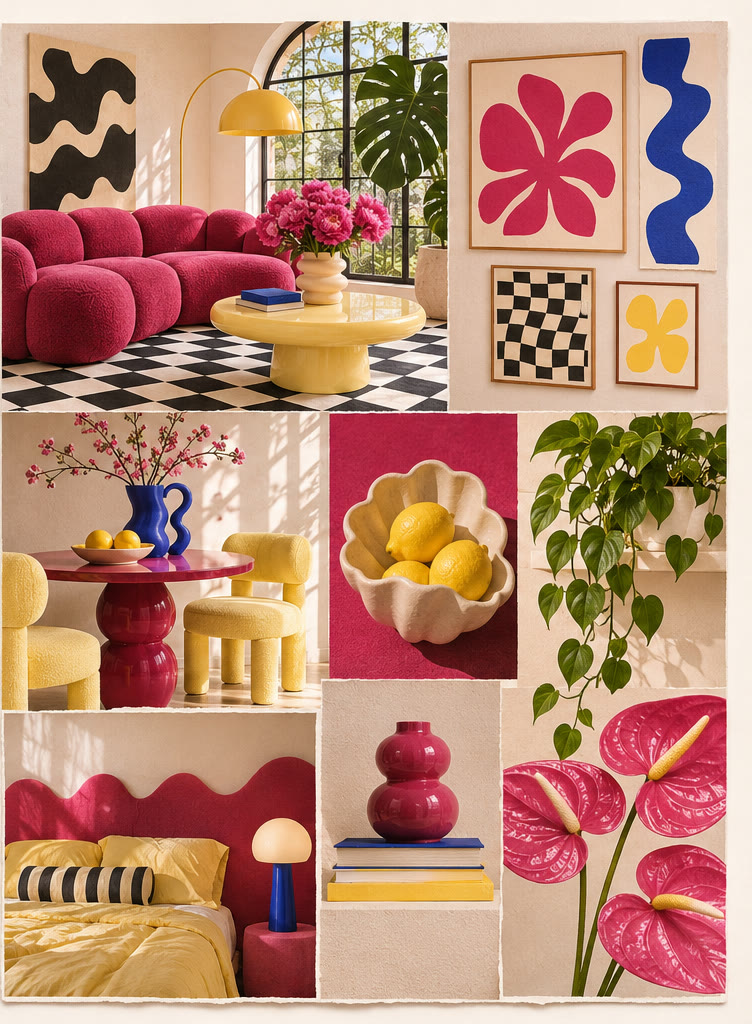
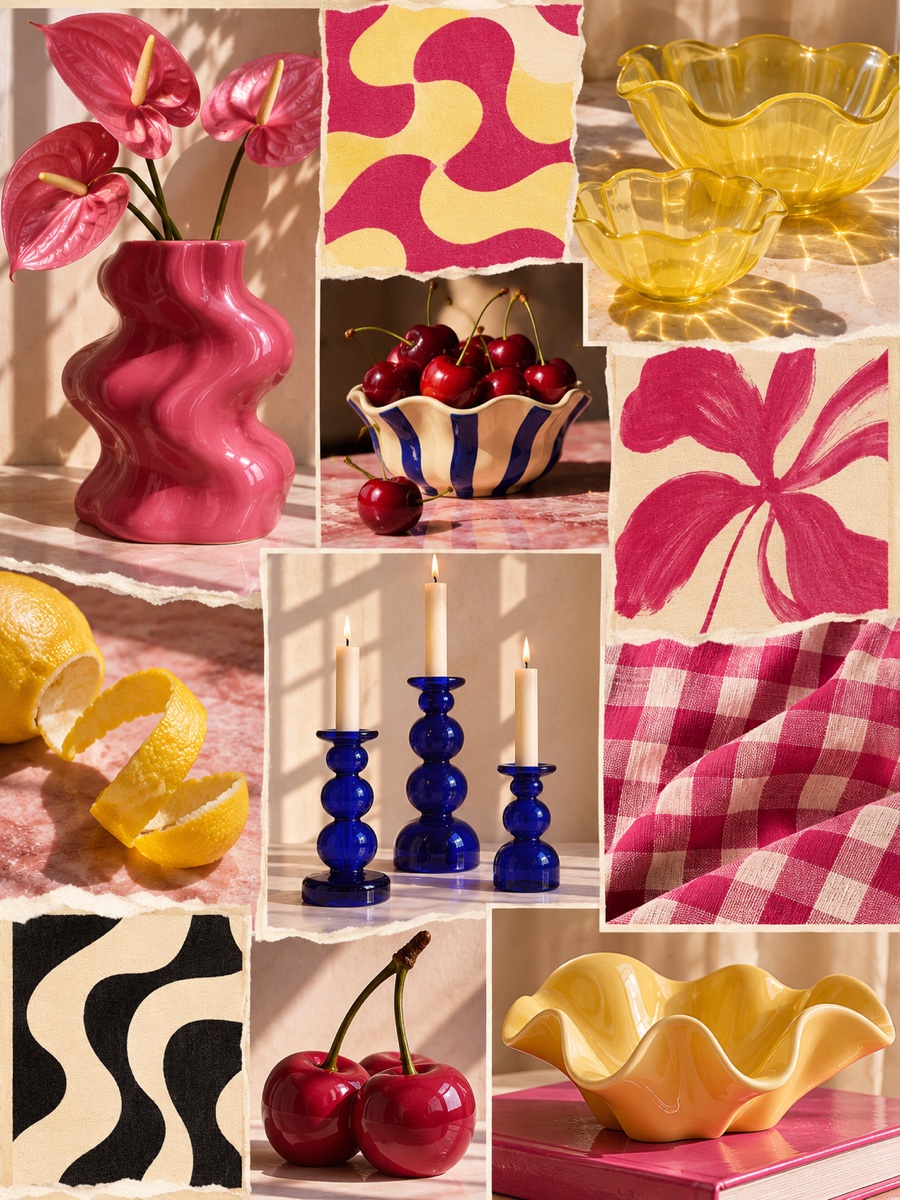
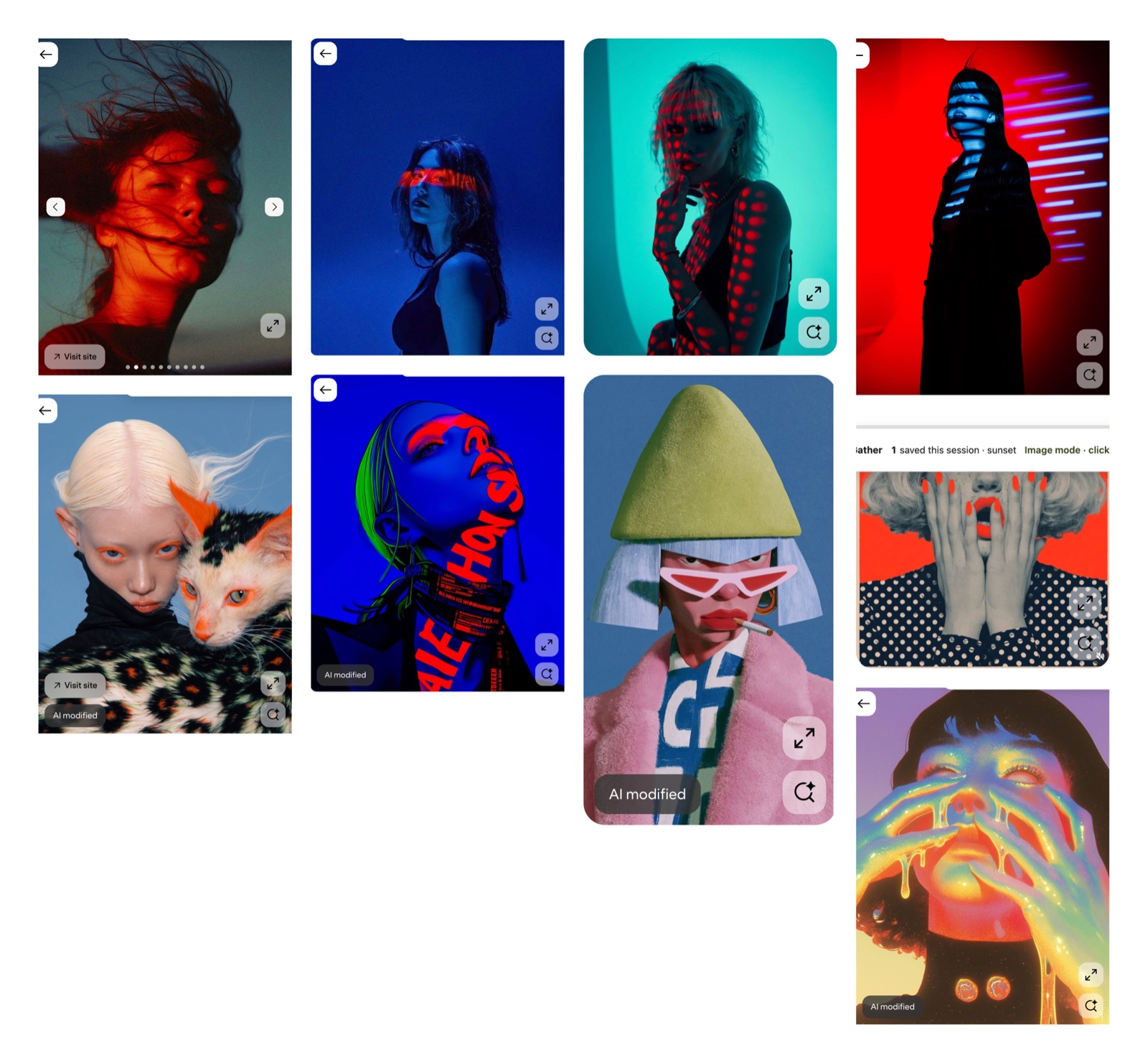
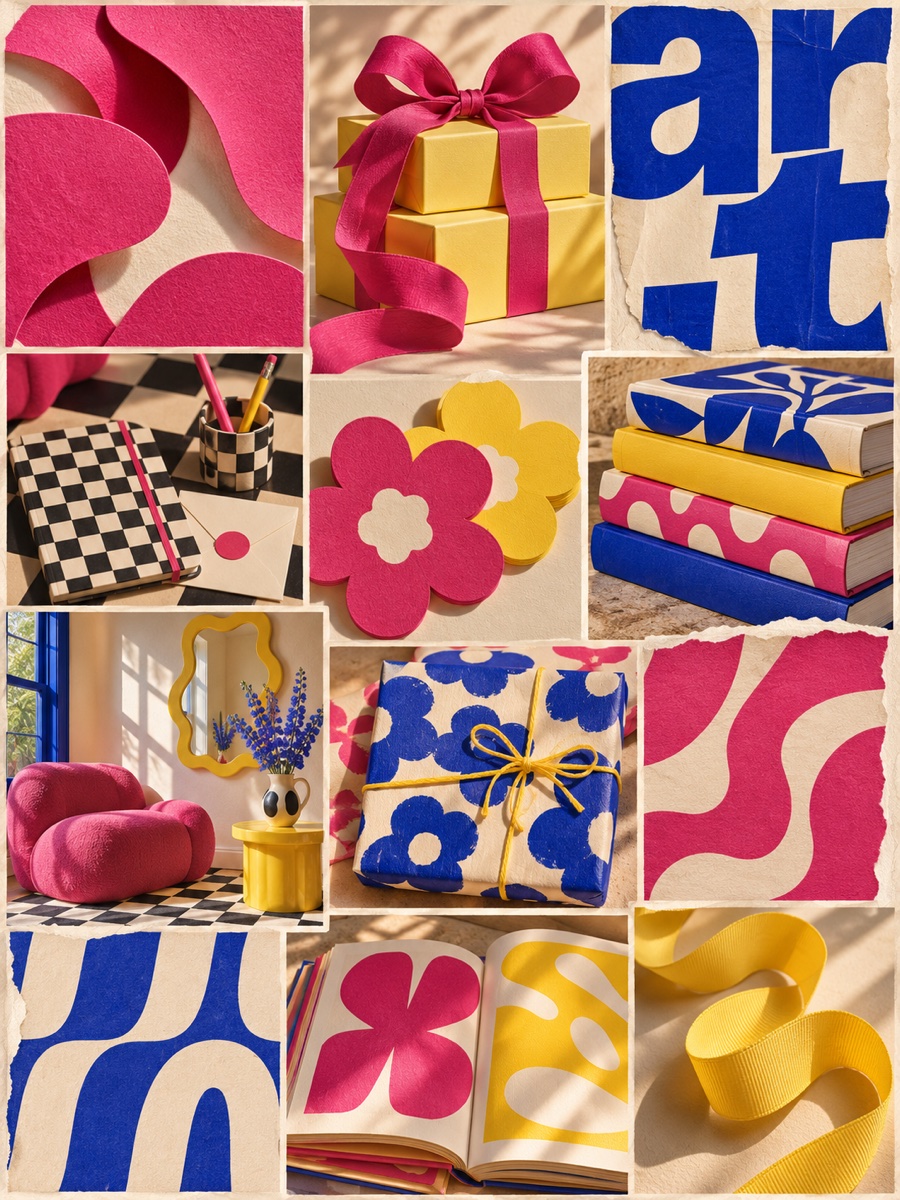
References stay organized by board, with source links and original proportions intact. Less hunting through tabs. More making something of what you find.
Click an image to add it to your current board.
Select just the part of a page you want to keep.
Scroll from a saved image to a board, then bring it into Figma.
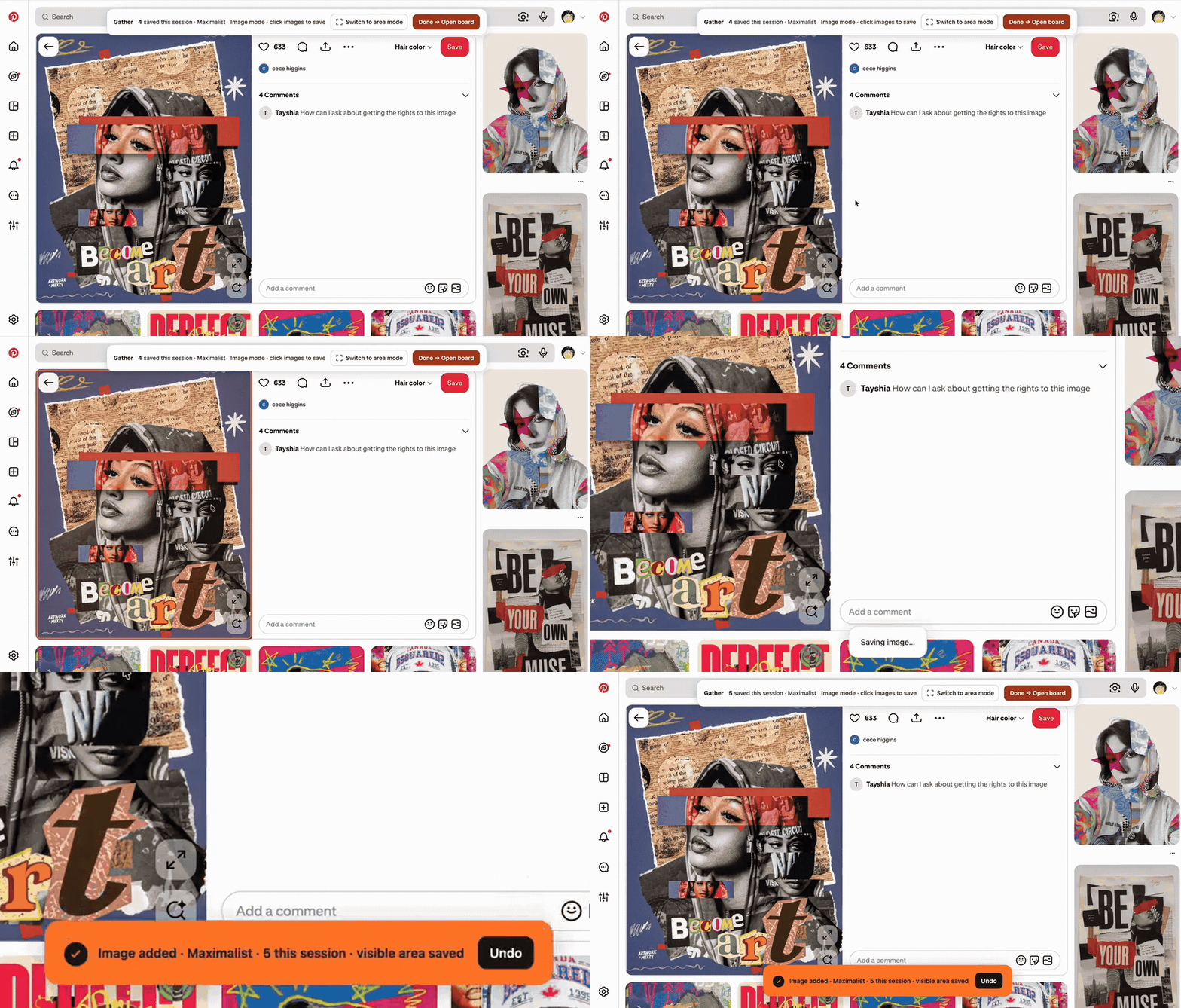
Browse anywhere. When something clicks, save it to the board you’re building.
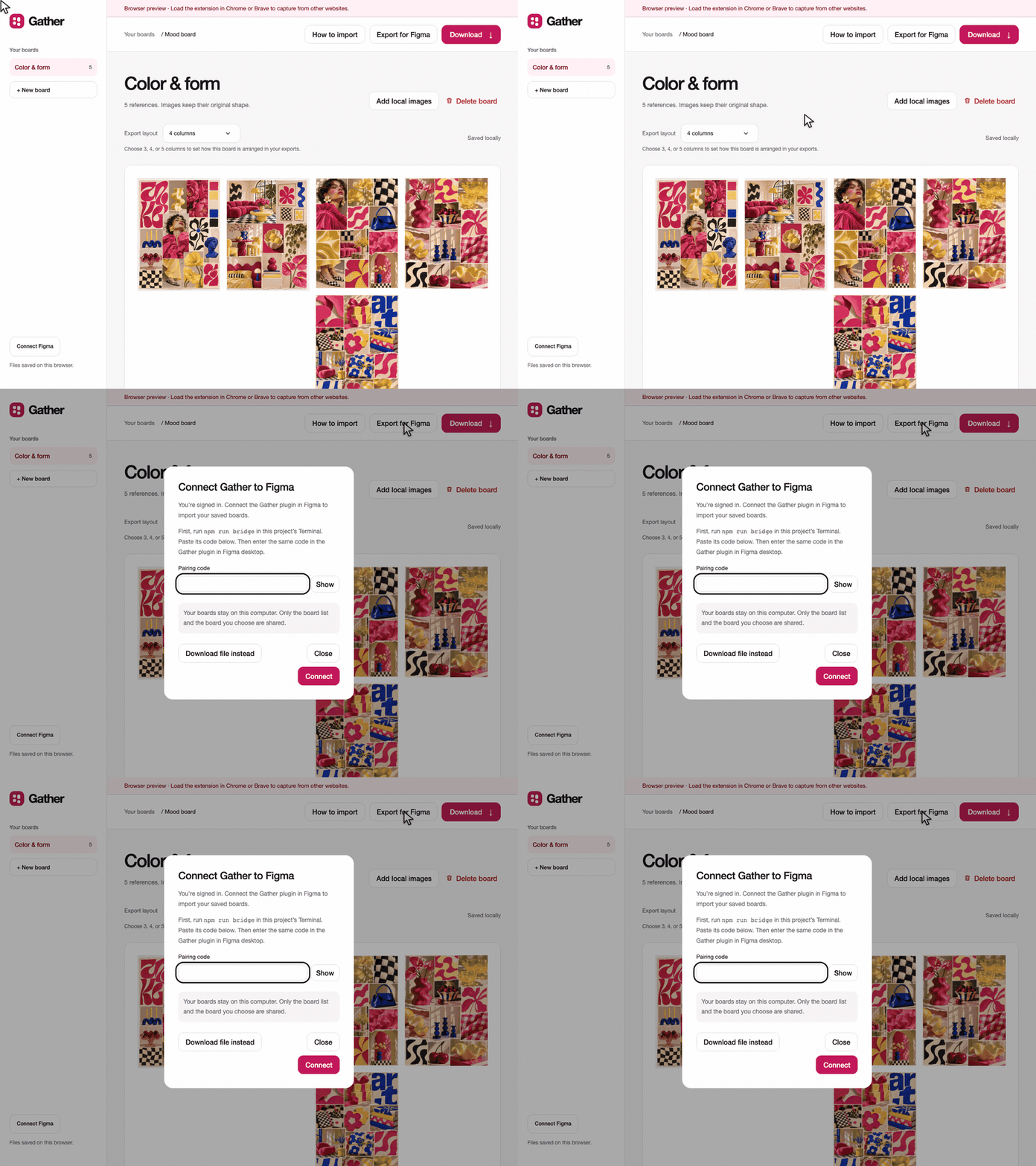
Your references stay organized in a flexible board, ready to arrange and export.
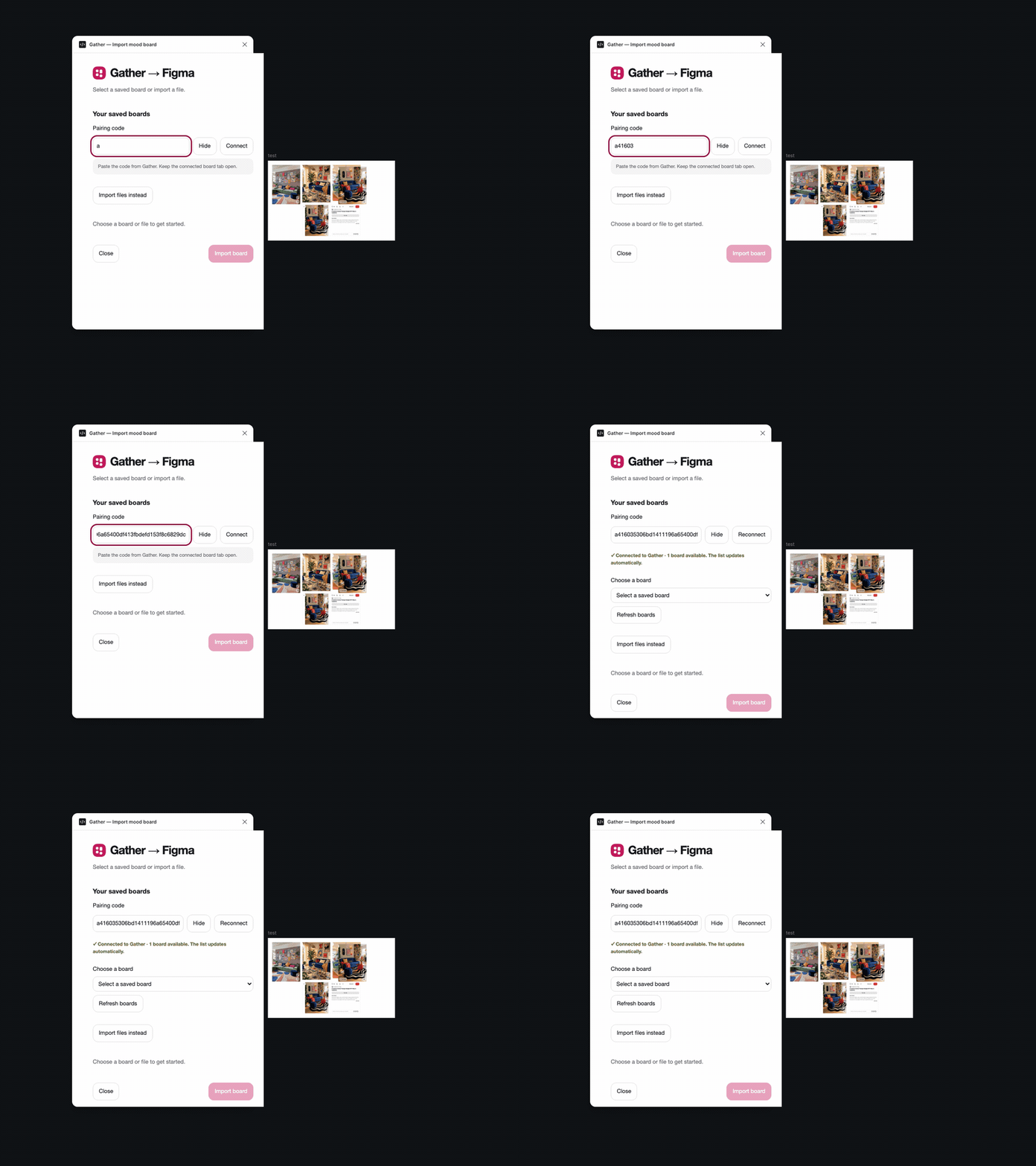
Open the Gather plugin, import your board, and keep creating with editable images.
Ready to start collecting?
 Download browser extension
Get Gather for your browser, then add the plugin in Figma.
Install the extension in Chrome or Brave to collect references into boards as you browse.
Download browser extension
Add the Figma plugin to bring your collected boards into your design file as editable images.
 Download Figma plugin